Electricity bills
Company, site, DSO, tariff period, billed components and prices.
 Request demo access
Onboard companies by uploading invoices, create structured site portfolios and compare the cost calculated from consumption data with the amount actually billed.
Peak combines what was billed with what actually happened at the site, then applies the relevant tariff logic across the portfolio.
Company, site, DSO, tariff period, billed components and prices.
Metered load and charging or building data, down to 15-minute intervals.
 TARIFF & COST INTELLIGENCE
Match sites to grid areas, structure tariffs and calculate every cost component.
Organise companies, buildings and charging sites in one consistent view.
Compare calculated costs with invoices, follow price and tariff-model changes, and build better budgets.
Trace costs to components and intervals, identify what drives them and evaluate actions that could lower electricity cost.
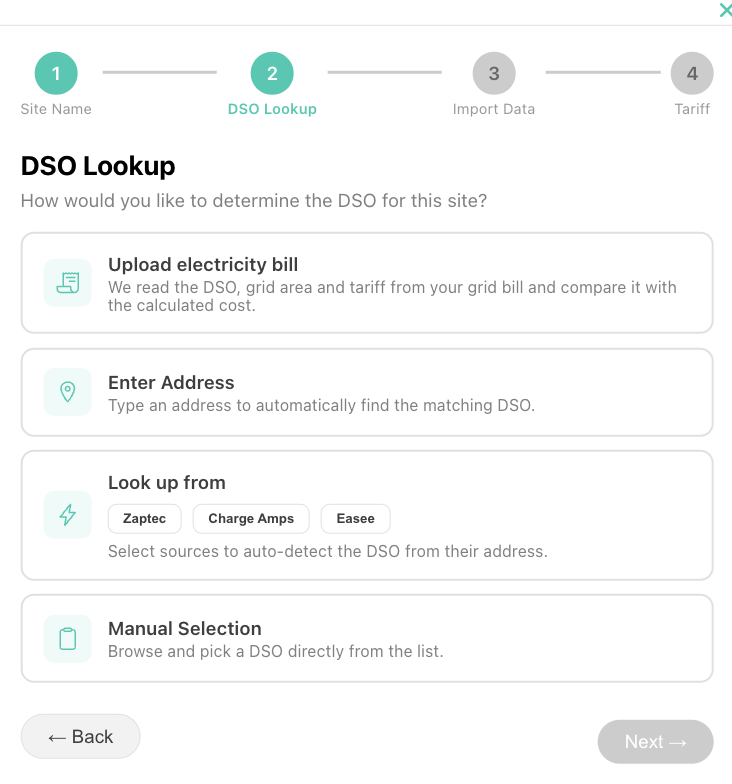
Invoice upload creates a practical starting point: company, site, grid operator, tariff period and billed components can be organised before deeper consumption analysis begins.
Peak applies the site’s tariff to its consumption data and checks the result against the invoice, component by component.
Trace the calculated peak back to source data and compare it with the value used on the invoice.
Calculated peak: 222 kW. The invoice used 227 kW. Peak shows the source interval, the applicable tariff rule and the resulting 425 SEK difference for review.
Invoice intelligence helps commercial teams, energy managers and CPOs work from the same site-level cost picture.
Create companies and portfolios using invoices instead of starting with manual site-by-site setup.
Compare actual bills with consumption-based calculations and identify gaps that need attention.
Explain peak and kWh costs with evidence that can support advice, pricing discussions and operational reviews.
Bring a representative set of invoices and consumption data. We’ll map the suitable onboarding and analysis workflow.